If you are part of the Health Care team, working as part of a specific group e.g. After hours Medical.
Joining the Group will give you access to all tasks that have been delegated to the group but have not yet been completed. This is a new way of delegating tasks in Cortex where previously all tasks were delegated to an individual user.
To Join a Group
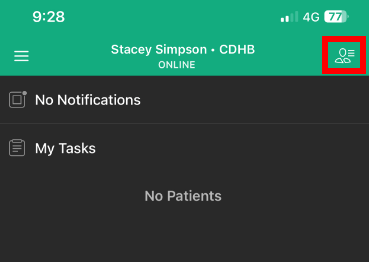
- Tap the "Manage my Patients” icon in the top right corner of the home screen.
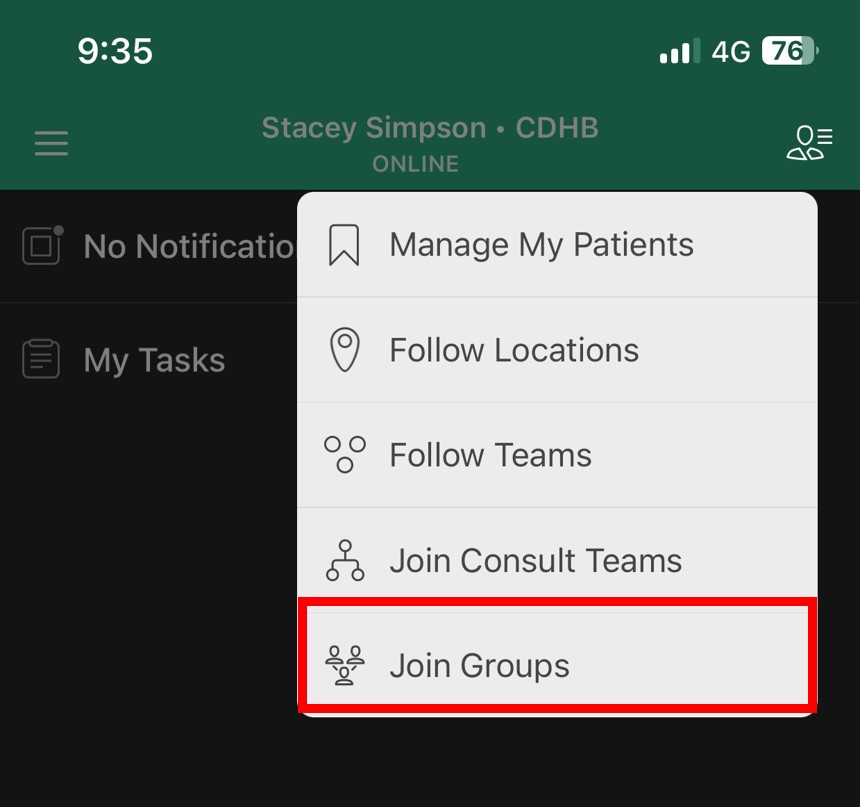
- Tap Join Groups
- Tap to select Department or Service
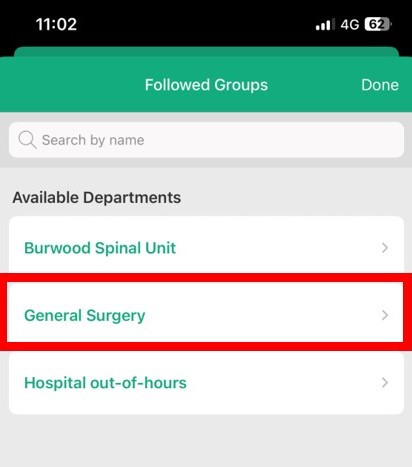
- Tap to Select Group you wish to join
- Tap 'Done'
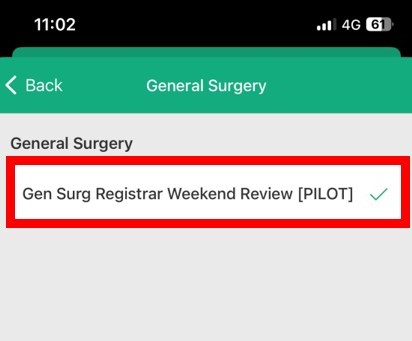
You will now be able to see any tasks that have been delegated to that group that have not been completed
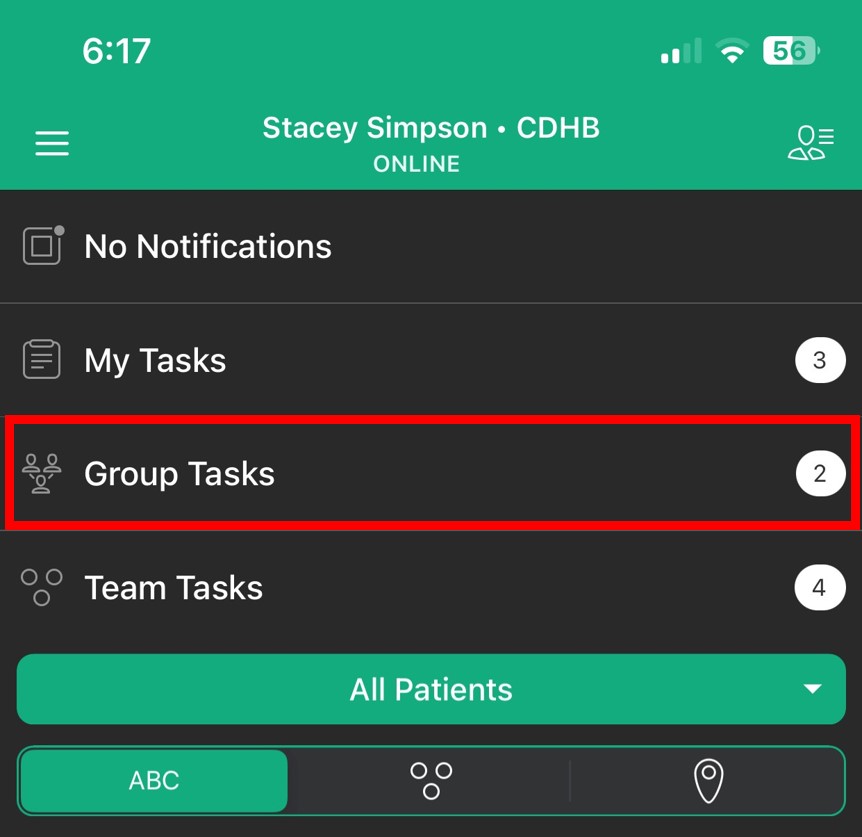
- Tap on task to view task and all associated comments
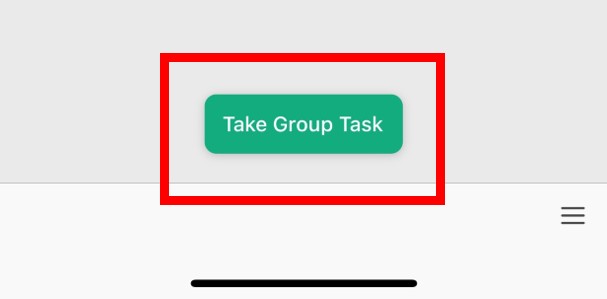
- Tap 'Take group task' at the bottom of the screen to become responsible for the task