
Creating a Cortex Favourites list is easy and a great way to reduce time searching for your most commonly used Notes, Orders & Jobs.
Favorite's lists can be found under the search bar of the menus
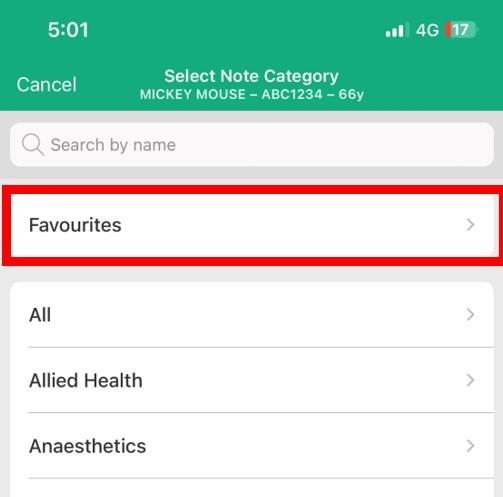
Add a Clinical Note/Order or Job to your Favourite's list
- Under ‘All’ or selected Department, Scroll or Tap to the Note you would like to add to your Favourites list
- Tap and hold until a Yellow star appears (as below)
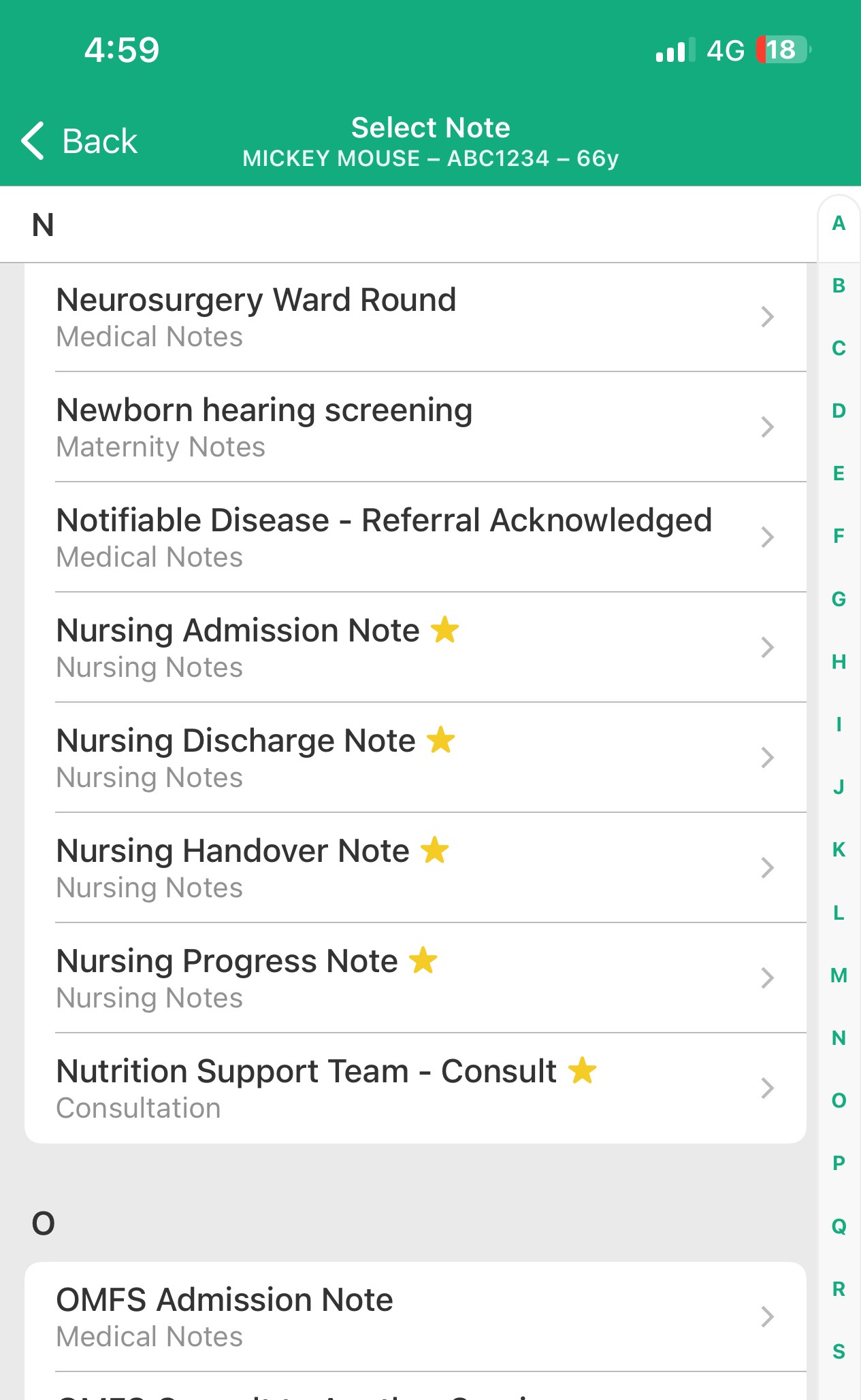
Once selected the Clinical Note, Order or Job will be listed when you Tap on 'Favourites'
Remove a Favourite
- Tap and hold the workflow or clinical document name in either the Favourites menu or in the "All" or specific department list
- The star will disappear and the favourite will be removed.