When you have selected to use an 'Options' list it will have by default 3 available options.
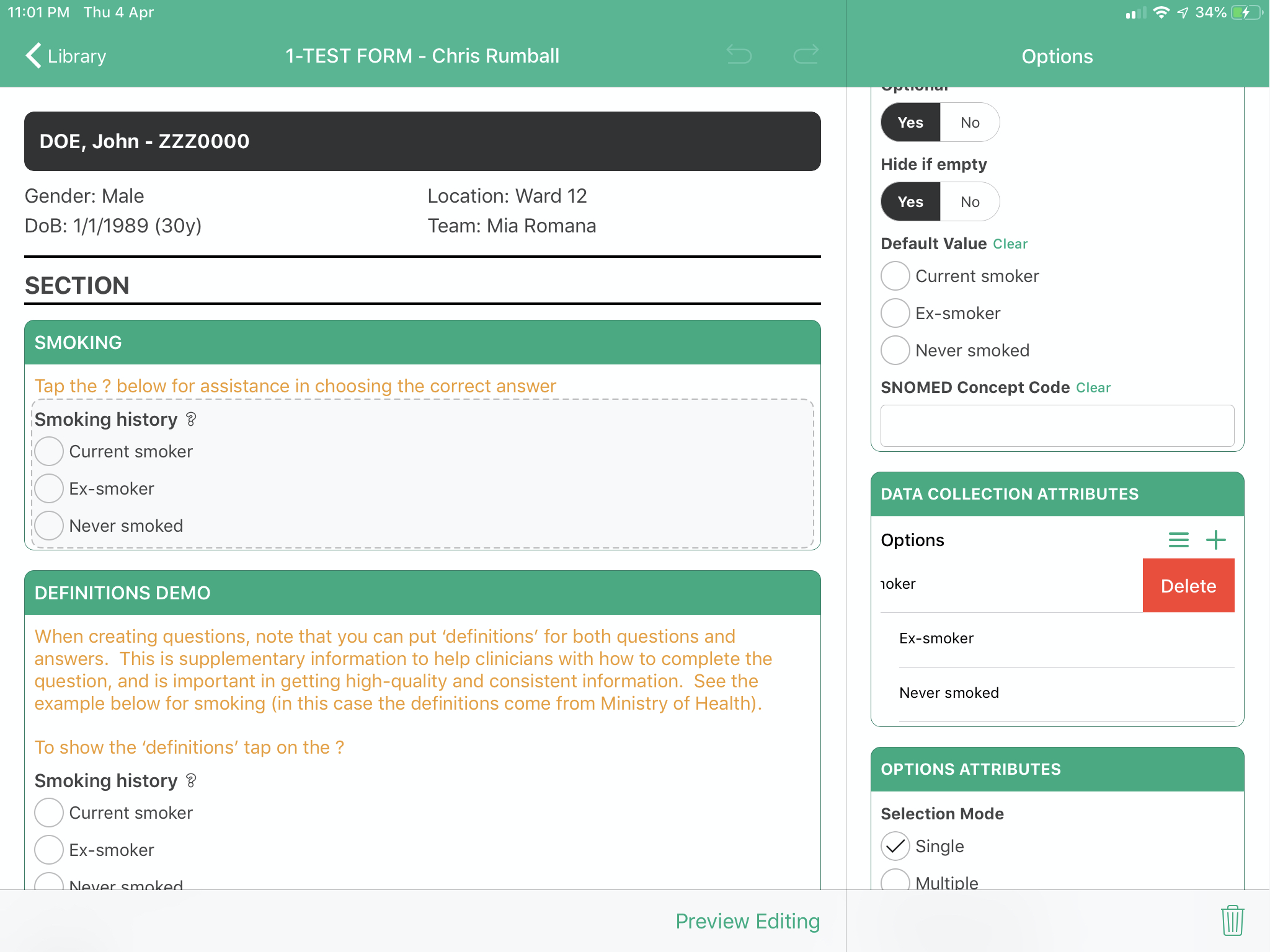
To remove an option that is not required, just swipe from right to left - this will show you a red delete button.

When you have selected to use an 'Options' list it will have by default 3 available options.
To remove an option that is not required, just swipe from right to left - this will show you a red delete button.
Modified on: Wed, 11 Feb, 2026 at 9:48 AM