
Adding your photo to your Cortex profile is easy and a great way to personalise your account. It will be viewable within the Circle of Care and when other users are searching staff to delegate a task to.
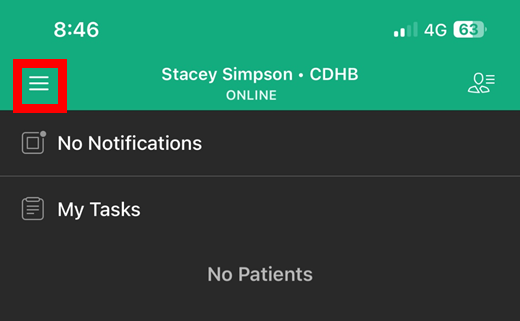
- Tap the button in the top left of the home screen
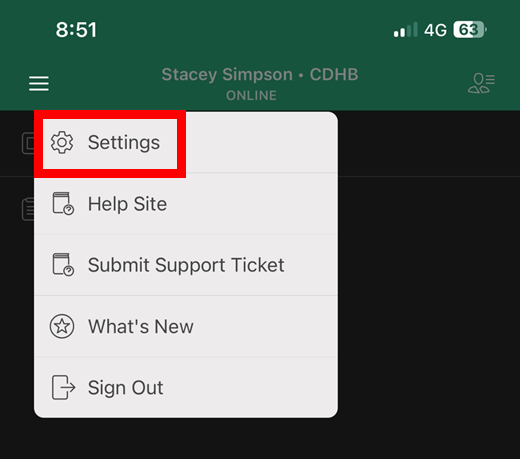
- Tap "Settings"
- Tap the circle above your name and you'll be presented with a photo interface.
- Take a photo and then, once happy tap "Use Photo"

Notes:
- You can change your photo as often as you like, but please note it may take afew days for the new photo to update on other users devices.
Tips:
- Find a location with lots of light
- Get someone else to take the photo for you
- Try and have your face centred and filling most of the frame.