Editing a draft order is easy, you can find a draft order two ways to continue editing
- Under ‘My Tasks’, or
- Locate note in Patients Timeline
To Edit
- Tap on the Order you wish to edit
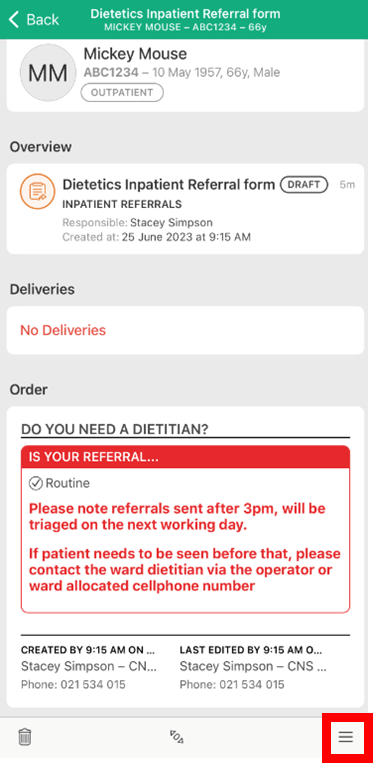
- Tap the action menu button at the bottom right of screen
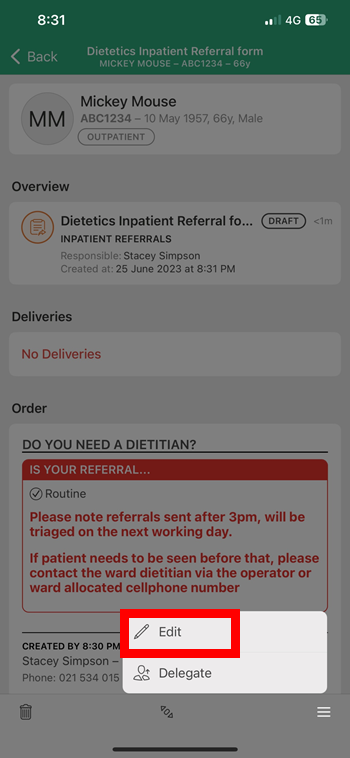
- Tap 'Edit'
Notes:
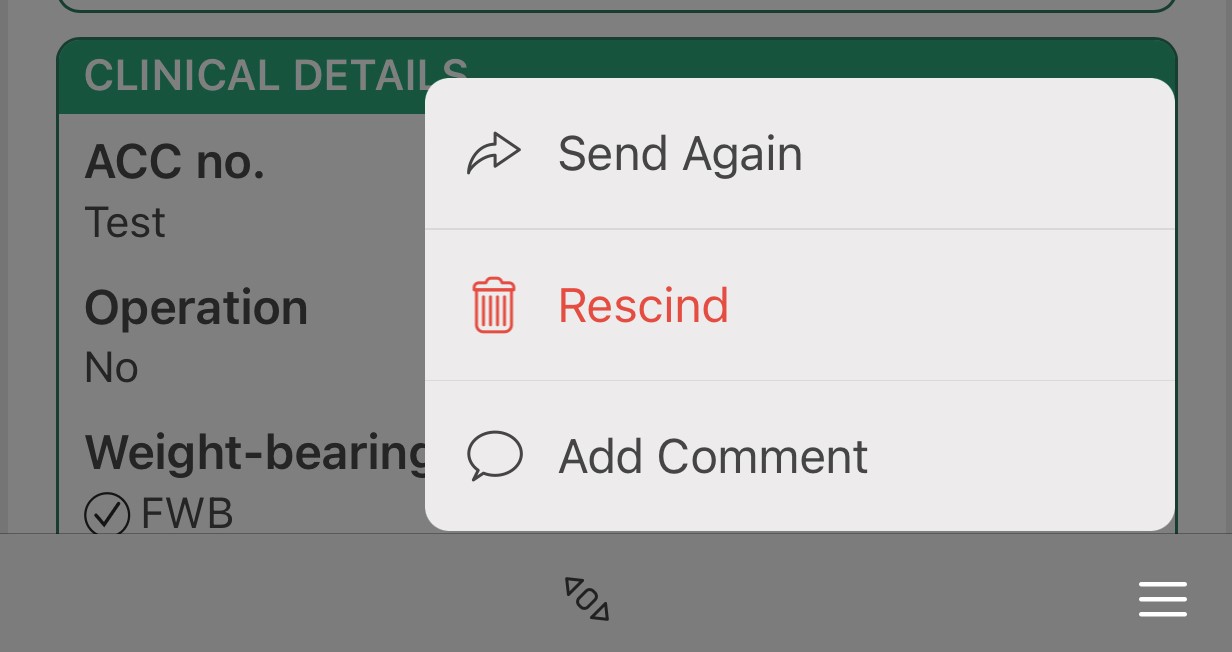
- You can re-edit a draft as many times as required. Once an Order is signed, you can only 'Send Again' (only available for Orders that do not have an automatic delivery) , 'Rescind' or 'Add comment'.